


Notion Task Manager Template | Simple Daily, Weekly & Monthly Planner for Productivity
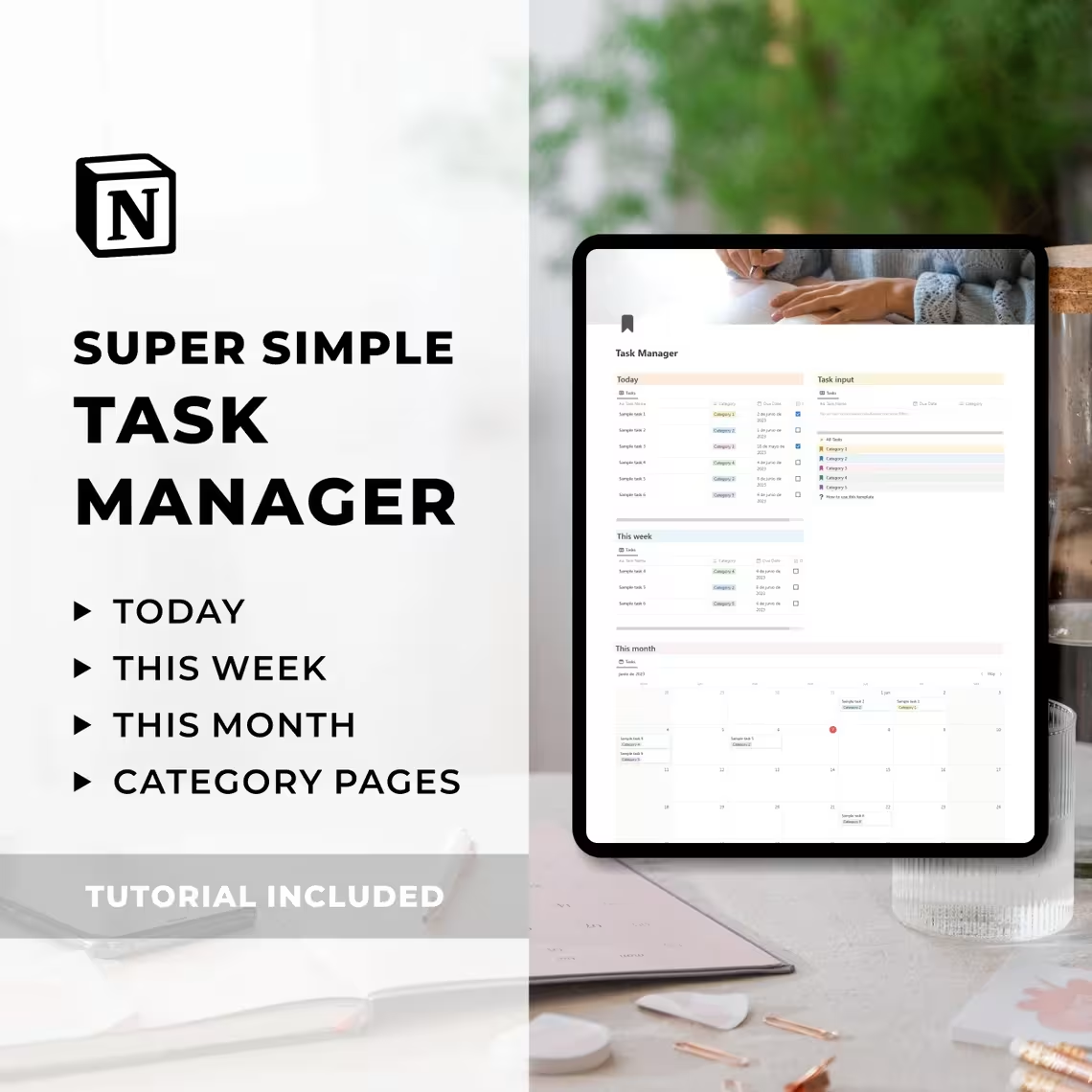
Stay organized without the overwhelm with this Notion Task Manager Template. Filter tasks by today, week & month, organize by category, and keep your system beautifully simple. Easy to use, fully customizable. Works on Notion’s free plan. Instant digital download.
Notion Template Task Manager | Notion Dashboard | Digital To Do List Template | Productivity Planner | Schedule Tasks | Digital Planner
Original price was: $7.00.$5.00Current price is: $5.00.
Product Details
A Task Manager That Actually Keeps Things Simple
Most productivity systems become another task to manage. Complex databases. Endless archives. Filters within filters. More mental noise than when you started.
This Notion Task Manager Template was built on one powerful philosophy — the best system is the one you’ll actually use.
Clean. Focused. Effortless.
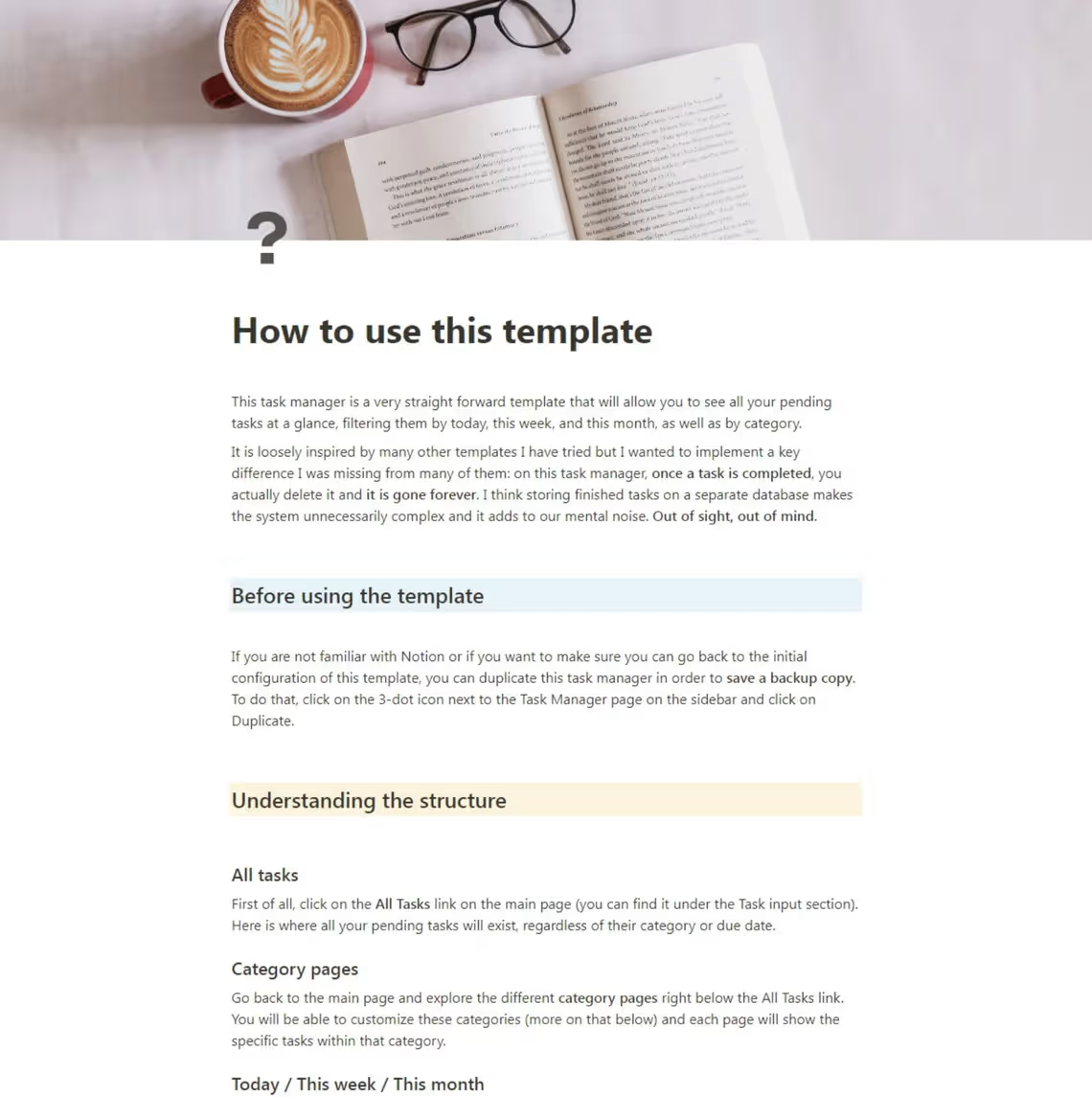
The core philosophy: When a task is done — it’s deleted. Gone. Out of sight, out of mind. No archive clutter. No mental overhead. Just pure, satisfying progress.
🌟 PERFECT FOR
- Busy professionals juggling multiple projects and responsibilities
- Students managing assignments, deadlines, and personal commitments
- Freelancers tracking client tasks alongside personal to-dos
- Anyone who has tried complex productivity systems and found them overwhelming
- Notion beginners looking for a simple, immediately usable template
- Anyone who wants to start each day with total clarity about what needs to get done
- People who believe that the best productivity system is the simplest one that works
💡 WHY THIS TEMPLATE STANDS OUT
✅ Radically simple — no bloated databases or complex systems
✅ Three planning horizons — today, this week, this month
✅ Delete don’t archive — completed tasks disappear, keeping your mind clear
✅ 5 customizable categories — with notes & ideas sections built in
✅ Fully expandable — add as many categories as you need
✅ Works on Notion’s free plan — no paid subscription needed
✅ All devices — desktop, tablet & mobile ready
✅ One-time purchase — use forever
🗂️ WHAT’S INCLUDED
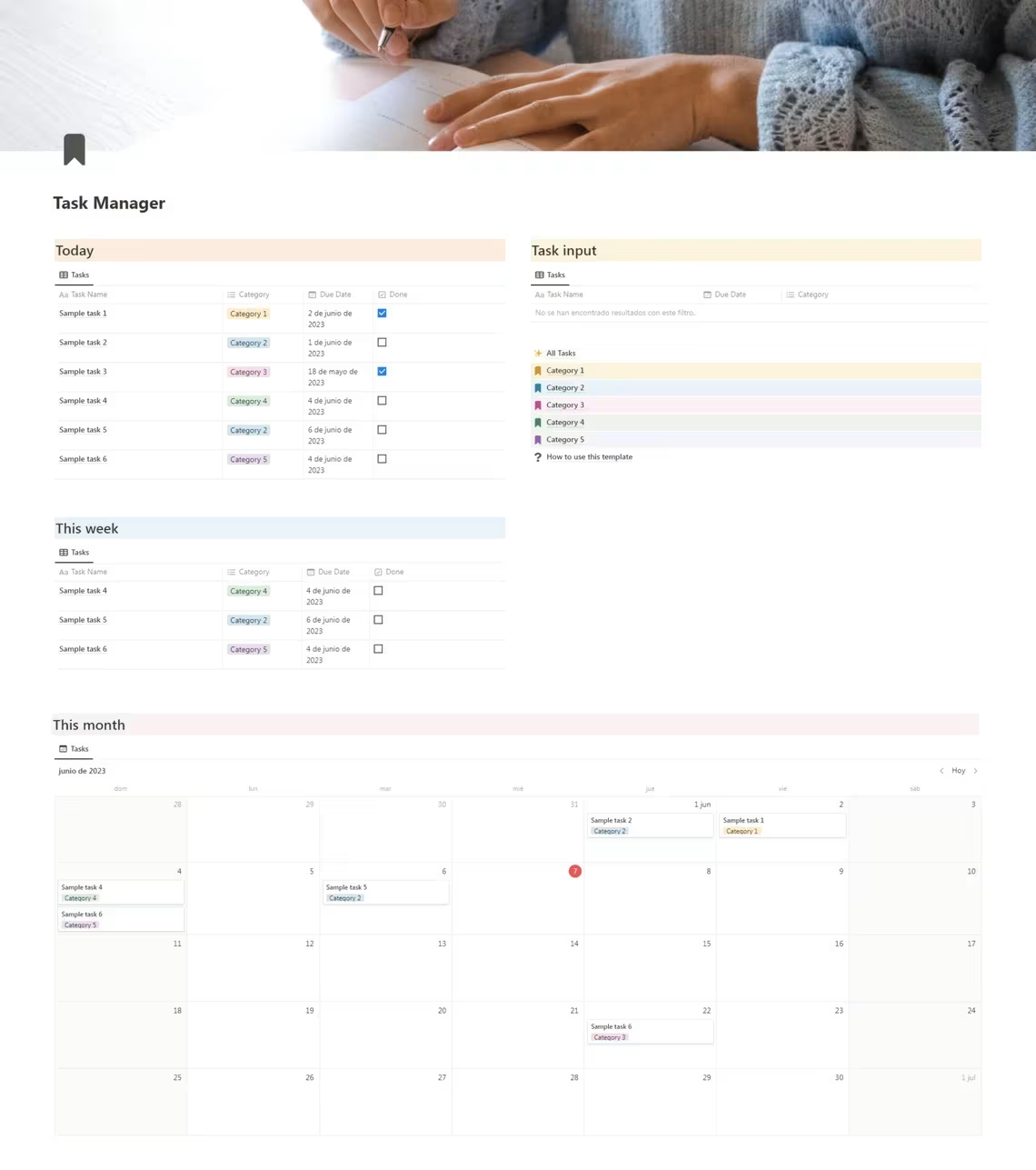
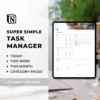
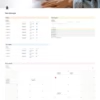
1. Main Task Manager Page Your daily productivity command center with three views:
- Today — A focused view of everything due today, nothing more
- This Week — A calendar-style weekly overview to balance your workload
- This Month — Full monthly calendar for planning ahead and managing deadlines
2. All Tasks Page A complete master list of every pending task across all categories — sortable, filterable, and fully searchable. Your safety net for ensuring nothing gets forgotten.
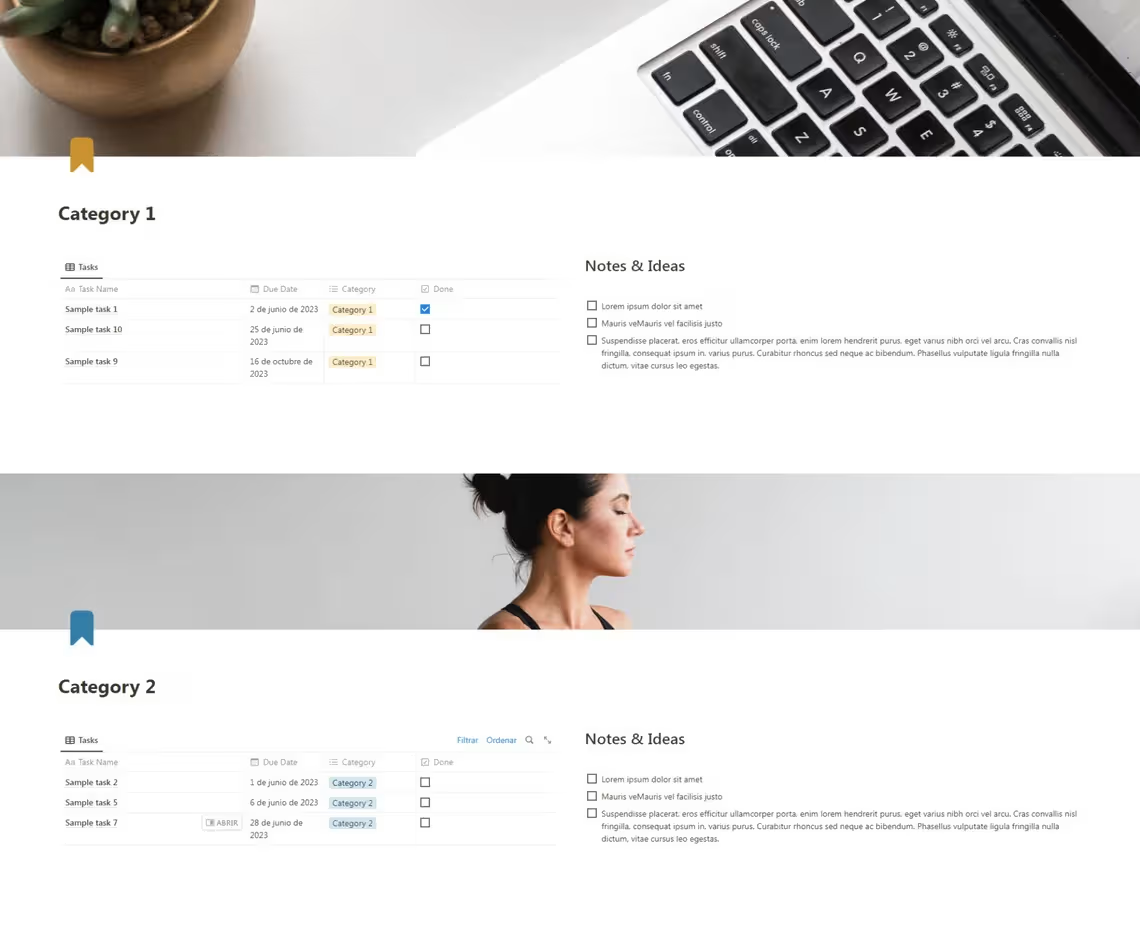
3. Five Customizable Category Pages Each category page includes:
- Full task list for that specific category
- Notes & ideas section for capturing relevant thoughts and references
- Fully renameable and customizable to match your life
- Add as many extra categories as you need
Default categories cover the most common life and work areas — simply rename them to match your own.
📦 WHAT YOU’LL RECEIVE
Upon purchase you will receive instant access to a PDF file containing the direct link to your Notion template. Open the link, click Duplicate in the top right corner of Notion, and the complete task manager will be saved to your workspace — ready to use immediately.
📌 Works on all devices — optimized for desktop. Appearance may vary on smaller screens.
📌 This is a digital product. No physical item will be shipped. All sales are final. No refunds, exchanges, or cancellations accepted.
🙋 FREQUENTLY ASKED QUESTIONS
Do I need a paid Notion account? No! Simply sign up for a free Notion account at notion.so and duplicate the template into your workspace.
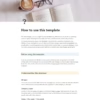
Is this suitable for complete Notion beginners? Absolutely. The included tutorial walks you through everything step by step — no prior Notion experience required.
Can I add more than 5 categories? Yes! The system is fully expandable. Add as many categories as you need to match your specific life and workflow.
Does it work on mobile? Yes — the template works on all devices via the Notion app. It is optimized for desktop use and appearance may vary on smaller screens.
Why are completed tasks deleted instead of archived? This is a core design philosophy of this template. Storing completed tasks adds visual clutter and mental noise. Deleting them keeps the system clean, focused, and satisfying to use. Out of sight, out of mind.
Can I use this for work and personal tasks together? Yes — simply set up your categories to cover both work and personal areas of your life and manage everything from one unified workspace.
Is this a one-time purchase? Yes. Pay once and use it forever.
Productivity isn’t about doing more. It’s about doing the right things — clearly, calmly, and consistently.
Related products
- Sale!
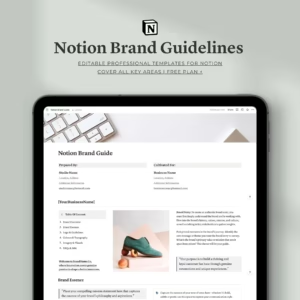
Notion Brand Guidelines Template | Complete Brand Identity Guide
Original price was: $14.00.$7.00Current price is: $7.00. - Sale!
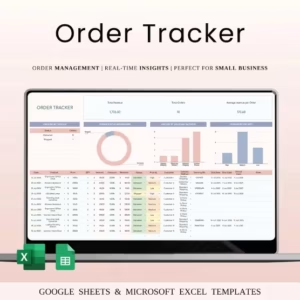
Order Tracker Spreadsheet Template | Sales & Order Management
Original price was: $25.00.$9.00Current price is: $9.00. -
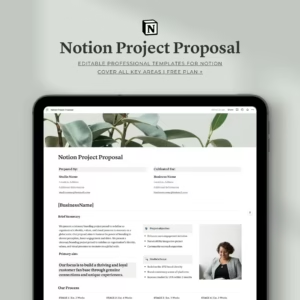
Notion Project Proposal Template For Professional
$14.00 - Sale!
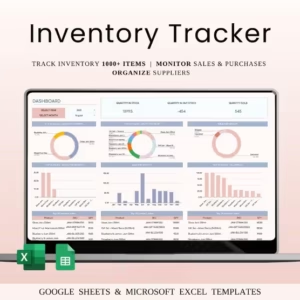
Inventory Tracker Spreadsheet Template for Small Business
Original price was: $30.00.$15.00Current price is: $15.00. -
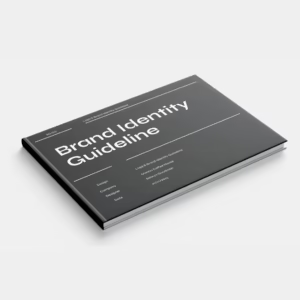
Minimalist Brand Guidelines Template | Logo, Colours, Typography & Mockups
$18.00 - Sale!
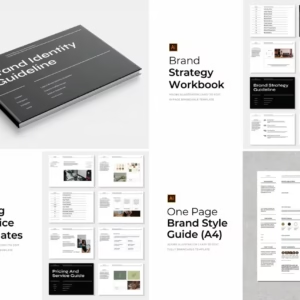
Ultimate Branding Kit Bundle | 45+ Adobe Illustrator Templates
Original price was: $49.00.$39.00Current price is: $39.00. - Sale!
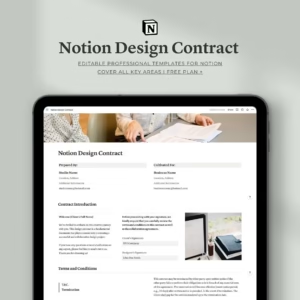
Notion Design Contract Template For Professionals
Original price was: $10.00.$5.00Current price is: $5.00. -
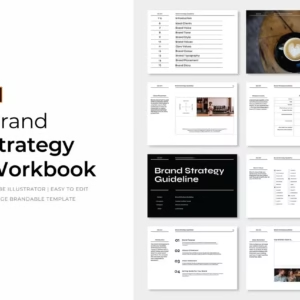
Minimalist Brand Strategy Workbook — The Complete Branding Kit
$18.00 - Sale!
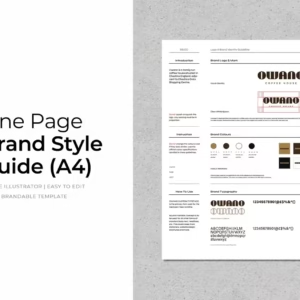
Brand Style Guide Template | Single Page Brand Guidelines
Original price was: $9.00.$5.00Current price is: $5.00.

Reviews