Minimalist Brand Guidelines Template | Logo, Colours, Typography & Mockups
Deliver stunning brand guidelines to every client with this Minimalist Brand Guidelines Template for Adobe Illustrator. 12 fully brandable pages covering logo specs, typography, colours, patterns, mockups & more. Free fonts included. Instant digital download.
Minimalist Brand Guidelines | Adobe Illustrator | Brand Direction | Branding Kit | Professional Brand Book
$18.00
Product Details
🎨 Do You Deliver Brand Guidelines to Your Clients? If Not — You’re Leaving Money on the Table
Here’s a truth every designer needs to hear. The branding project doesn’t end when you hand over the logo files. The project ends when your client has everything they need to use their new brand consistently, confidently, and correctly — forever.
That means brand guidelines. A beautifully designed, comprehensive document that tells your client exactly how to use every element of their new visual identity. What colours to use. Which fonts to pair. How much space to give the logo. What looks great and what to avoid.
Without brand guidelines, even the most stunning logo gets misused, stretched, recoloured, and diluted within months. With them, your client’s brand stays sharp, consistent, and professional — and your work continues to represent you at the highest level long after the project is complete.
The problem? Building a professional, beautifully designed brand guidelines document from scratch takes hours. Until now.
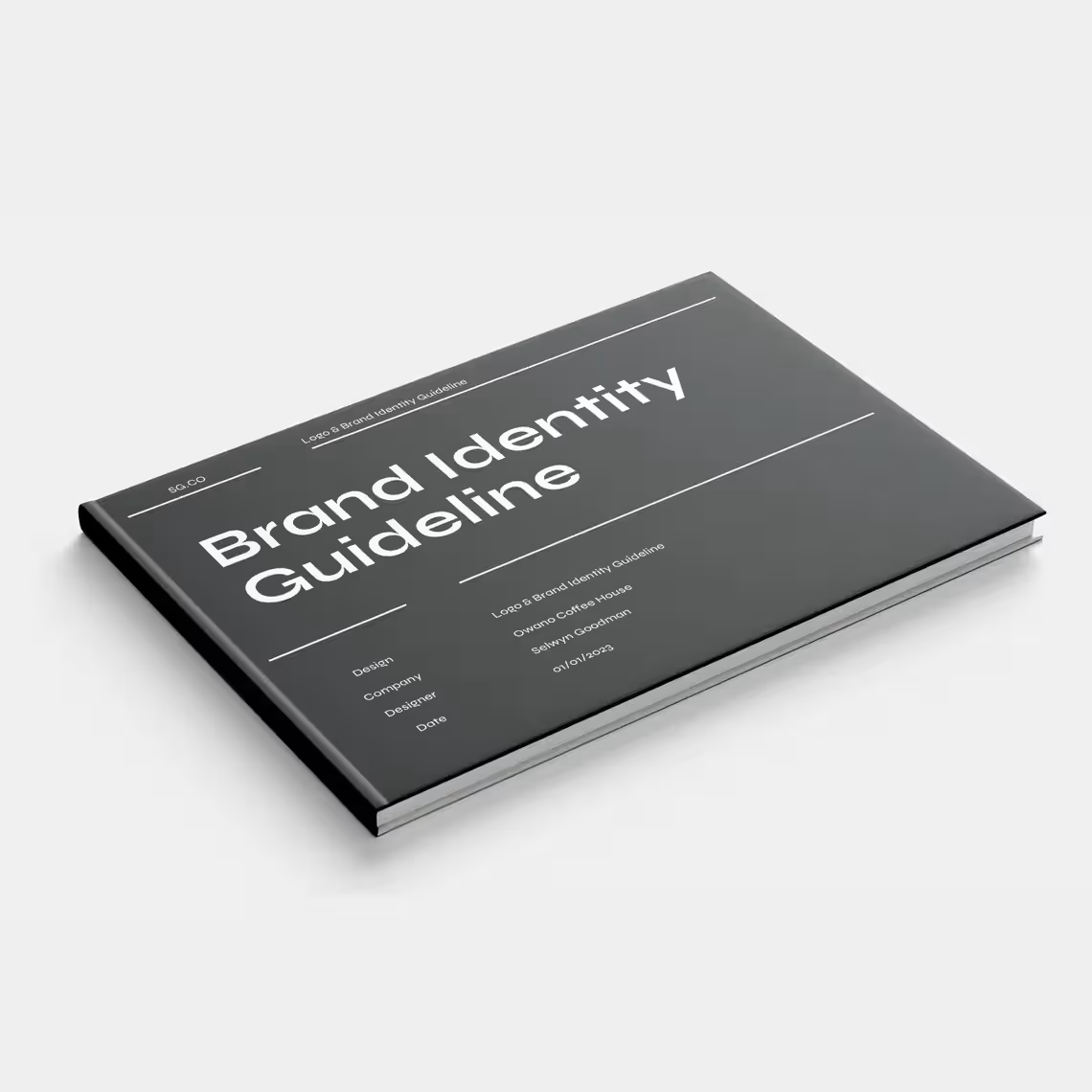
The Minimalist Brand Guidelines Template for Adobe Illustrator gives you a complete bundle of 12 professionally designed, fully brandable pages — everything you need to deliver world-class brand guidelines to every single client, on every single project.
Clean. Minimal. Sophisticated. Ready to make your work look even better than it already does.
🌟 PERFECT FOR
- Freelance graphic designers and brand identity designers
- Branding and creative agencies
- Creative directors delivering complete brand identity systems
- Designers looking to add brand guidelines to their service offering
- Entrepreneurs and startups wanting professional brand documentation
- Small and large businesses investing in consistent brand presentation
- Any designer who wants to deliver more value, protect their work, and impress every client
💡 WHY THIS TEMPLATE STANDS OUT
✅ 12 comprehensive pages — a complete brand guidelines document in one bundle
✅ Adobe Illustrator native — built in the tool designers already use every day
✅ Real copy throughout — no lorem ipsum, just genuine, inspiring content
✅ Free font links included — every font used is freely available and linked
✅ Fully brandable — make it completely yours in minutes
✅ Minimalist & timeless design — a clean aesthetic that works for any brand and any industry
✅ Elevates your service offering — position yourself as a premium, thorough creative professional
✅ Protects your design work — ensures clients use their brand correctly long after delivery
✅ One-time purchase, lifetime access — use it on every client project forever
🗂️ WHAT’S INCLUDED: 12 PROFESSIONAL TEMPLATES
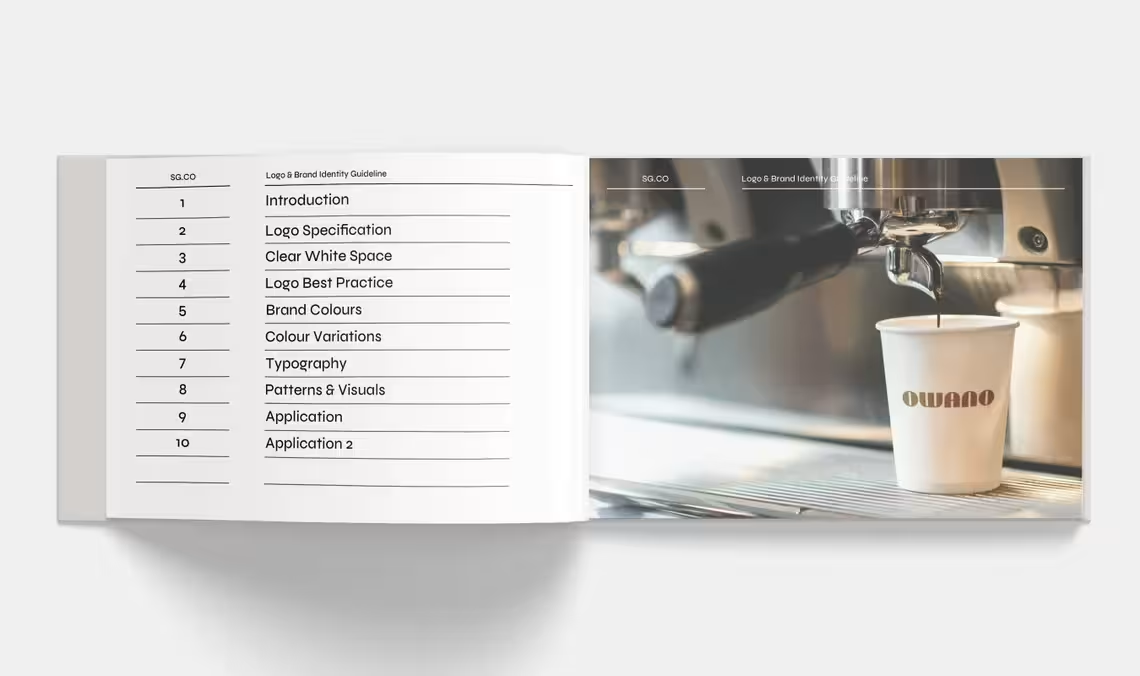
🖼️ Template 1: Brand Introduction
The opening page of your brand guidelines sets the tone for everything that follows. The Brand Introduction template gives you a stunning, impactful first page that immediately establishes the premium quality of the guidelines document — and by extension, the premium quality of the brand itself.
Inside you’ll find:
- A beautifully designed cover layout with space for the brand name, logo, and tagline
- A compelling brand introduction statement that contextualizes the guidelines document
- Space for a brief brand overview — who the brand is, what it does, and what it stands for
- A clean, minimalist layout that signals sophistication and attention to detail from the very first page
- Fully customizable colors, typography, and imagery to perfectly match the brand being documented
- A professional table of contents option to help clients navigate the full guidelines document
Make the first impression of your brand guidelines as powerful as the brand itself.
📐 Template 2: Logo Specification
Your logo is the cornerstone of the entire brand identity — and this template gives you a precise, professional framework for documenting every technical specification your client needs to use it correctly across every application.
Inside you’ll find:
- Logo Dimensions — Exact width and height specifications for the primary logo in all standard units
- Minimum Size Requirements — The smallest size at which the logo can be reproduced without losing legibility or visual integrity
- Grid & Construction Lines — Optional construction grid showing the geometric precision behind the logo design
- Logo Proportions — Clear documentation of the proportional relationships between all logo elements
- Safe Scaling Guidelines — Instructions for how to scale the logo correctly while maintaining its proportions
- File Format Specifications — Which file formats to use for print, digital, embroidery, and other applications
- Resolution Requirements — Minimum resolution specifications for different use cases and media
- Technical Usage Notes — Any specific technical considerations for using the logo across different platforms and media
Technical precision that protects the integrity of the logo — forever.
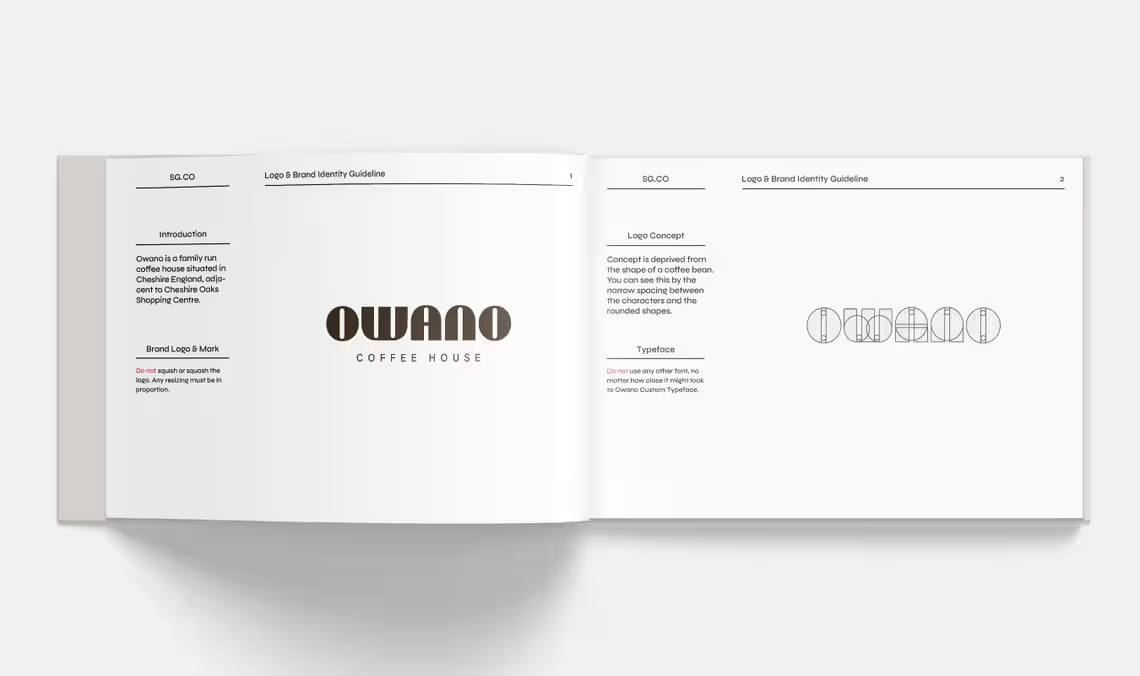
💡 Template 3: Logo Concept
Great logo design isn’t just about aesthetics — it’s about meaning. The Logo Concept template gives you a dedicated page to tell the story behind the logo design, articulating the strategic thinking and creative decisions that make the mark so perfectly suited to the brand.
Inside you’ll find:
- Concept Narrative — The story of how and why the logo was designed the way it was
- Symbolic Meaning — The specific meanings, references, and symbolism embedded in the logo design
- Design Rationale — The strategic reasoning behind every major design decision — shape, form, style, and composition
- Visual Deconstruction — A breakdown of the key visual elements that make up the logo and what each represents
- Brand Connection — How the logo concept directly connects to and expresses the brand’s values, personality, and positioning
- Inspiration Sources — Any relevant inspiration or reference points that informed the creative direction
- Evolution Notes — If applicable, how the concept evolved from initial sketch to final mark
When clients understand the why behind their logo — they value it infinitely more.
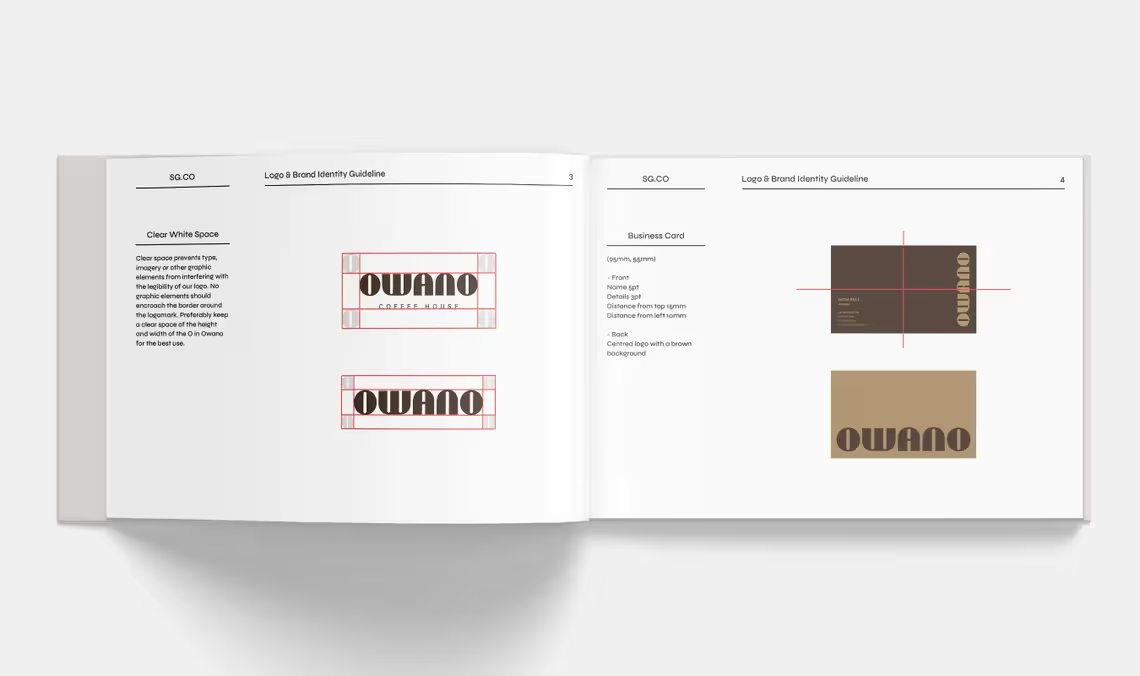
⬜ Template 4: Clear White Space
One of the most commonly violated rules in brand identity — and one of the most important. The Clear White Space template documents the exclusion zone around the logo with absolute precision, ensuring it always has the breathing room it needs to command attention and maintain visual dignity.
Inside you’ll find:
- Exclusion Zone Diagram — A clear, precise visual showing the minimum clear space required around the logo on all sides
- Clear Space Measurement Unit — The specific unit of measurement used to define the exclusion zone — typically based on a logo element like the cap height or a letter form
- Clear Space Scaling Rule — How the exclusion zone scales proportionally as the logo is resized
- Background Placement Rules — Guidance on placing the logo on different background colors and textures
- Crowding Examples — Visual examples of what happens when the clear space rules are violated — and why it matters
- Digital vs Print Clear Space — Any differences in clear space requirements between screen and print applications
- Template Guides — Ready-to-use spacing guides for common layout applications
Protect your logo. Protect the brand. Protect your work.
✅ Template 5: Logo Best Practices
Even the most carefully designed logo gets misused by well-meaning clients who simply don’t know the rules. The Logo Best Practices template gives you a clear, visually compelling do’s and don’ts guide that makes correct logo usage completely unmistakable.
Inside you’ll find:
- Approved Logo Variations — All the approved versions of the logo — full color, single color, reversed, and monochrome — with clear guidance on when to use each
- Approved Background Colors — The specific background colors on which the logo can be placed correctly
- Logo Don’ts — Visual Examples — Clear visual examples of every common logo misuse to actively avoid:
- Stretching or distorting the logo
- Recoloring outside approved palette
- Adding drop shadows or effects
- Placing on busy or clashing backgrounds
- Rotating or flipping the logo
- Using outdated logo versions
- Cropping or partially obscuring the logo
- Special Application Guidelines — How to handle the logo on merchandise, embroidery, watermarks, and other non-standard applications
- Social Media Profile Usage — Specific guidance for using the logo correctly as a social media profile image
Eliminate logo misuse before it happens — and keep the brand looking sharp forever.
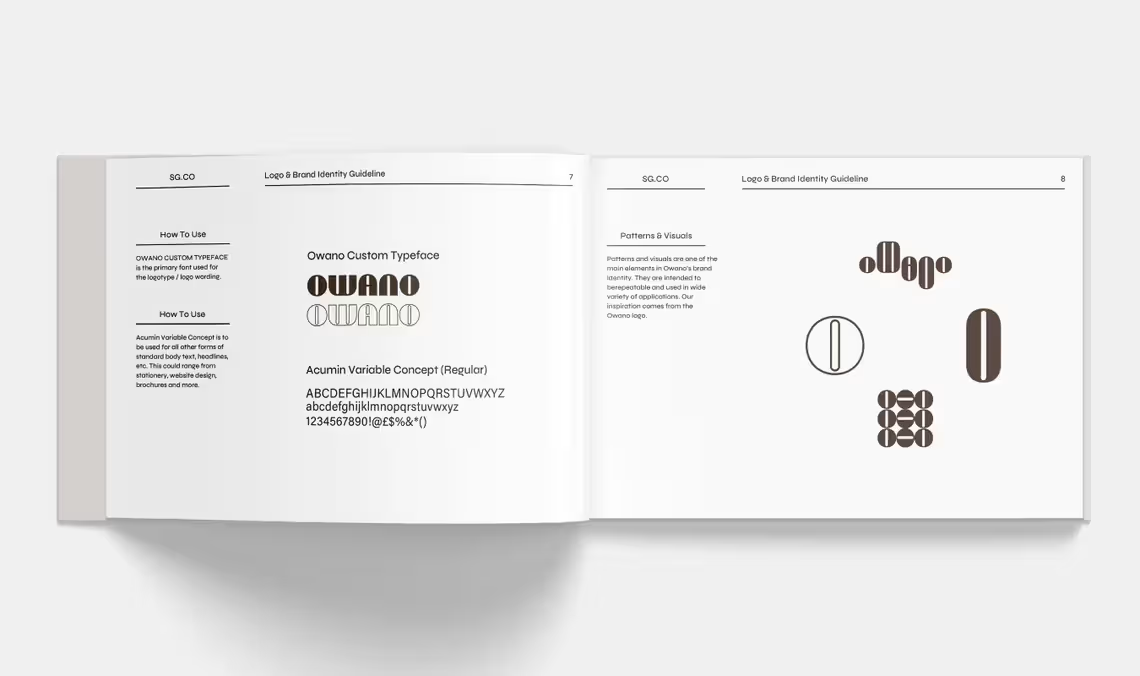
🖋️ Template 6: Brand Typography
Typography is one of the most powerful and most underused elements of brand identity. The Brand Typography template gives you a complete, beautifully presented typographic system that makes it easy for anyone to use the brand’s fonts correctly and consistently.
Inside you’ll find:
- Primary Typeface Showcase — A full presentation of the brand’s main typeface including all available weights and styles
- Secondary Typeface Showcase — The supporting typeface for body copy and secondary communications
- Typographic Hierarchy — A clear, visual demonstration of H1 through H4 heading styles with exact size, weight, and spacing specifications
- Body Copy Specifications — Font size, line height, paragraph spacing, and maximum column width for optimal readability
- Font Pairing Demonstration — A visual example of how the primary and secondary typefaces work together in a real layout context
- Type Scale — A complete size scale showing the full range of typographic sizes used across the brand system
- Web Font Information — Google Fonts or Adobe Fonts links for easy digital implementation
- Free Font Links — Direct links to download all brand fonts at no cost — included as a special feature of this template bundle
- Typographic Do’s & Don’ts — Common typographic mistakes to avoid for consistent brand application
Typography done right — documented beautifully and implemented with ease.
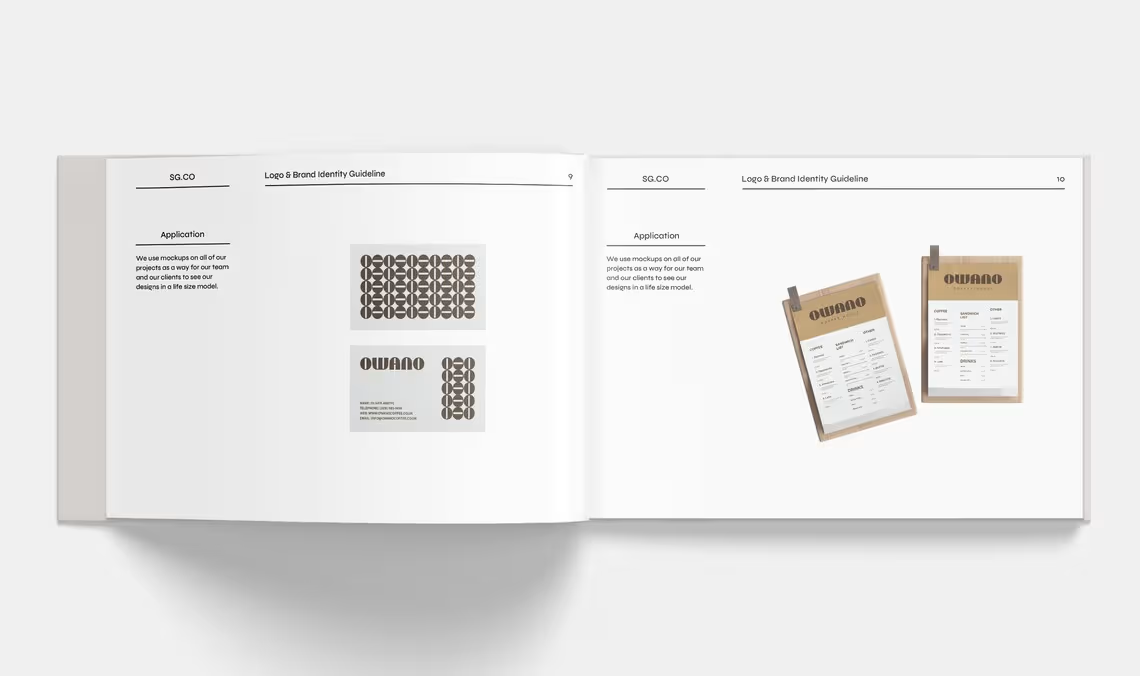
🔷 Template 7: Patterns & Visuals
The most distinctive brands extend their visual identity beyond the logo and colour palette — into a rich world of patterns, textures, and graphic elements that make every brand touchpoint feel unmistakably on-brand. This template gives you a professional showcase for all of these supporting visual assets.
Inside you’ll find:
- Brand Pattern Showcase — A full presentation of any custom patterns or repeating visual elements that form part of the brand identity
- Pattern Construction Details — How the pattern was built and any relevant technical specifications for reproduction
- Pattern Usage Guidelines — Where and how patterns should and shouldn’t be used across brand applications
- Graphic Element Library — Any custom icons, dividers, frames, borders, or decorative elements that belong to the brand system
- Illustration Style Guide — If applicable, the style, line weight, and colour approach for any brand illustrations
- Visual Texture & Surface — Any textures, grain effects, or surface treatments that are part of the brand aesthetic
- Pattern & Visual Color Usage — How patterns and visual elements interact with the brand colour palette
- Application Examples — Real-world examples of patterns and visual elements applied across brand touchpoints
A visual identity that goes beyond the logo — and makes the brand instantly recognizable everywhere.
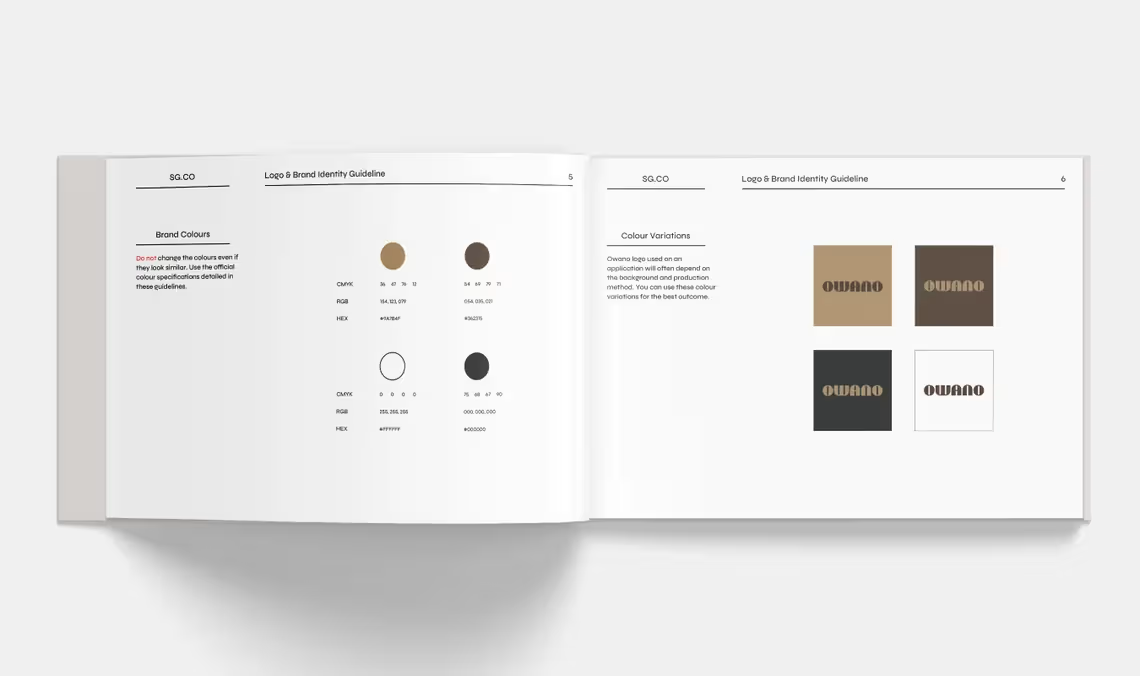
🎨 Template 8: Brand Colours
Colour is one of the first things people notice about a brand — and one of the most important to document precisely. The Brand Colours template gives you a stunning, comprehensive colour specification page that ensures perfect colour consistency across every medium and every application.
Inside you’ll find:
- Primary Colour Palette — Your main brand colours presented beautifully with full technical specifications
- Colour Codes for Every Medium:
- HEX codes for digital and web applications
- RGB values for screen and digital design
- CMYK values for professional print production
- Pantone references for premium print and brand merchandise
- Colour Naming — Custom names for each brand colour that make the palette feel distinctive and memorable
- Colour Psychology Notes — The emotional associations and strategic reasoning behind each colour choice
- Colour Proportions Guide — The recommended ratio of each colour in brand communications — primary, secondary, and accent
- Colour Mood Description — A written description of the overall feeling and energy the palette creates
- Accessibility Standards — Contrast ratio information to ensure colours meet WCAG accessibility guidelines
Colour precision that keeps the brand consistent from a business card to a billboard.
🔄 Template 9: Colour Variations
Real-world brand applications require flexibility. The Colour Variations template documents every approved version of the logo and key brand elements across different colour contexts — ensuring the brand always looks its best regardless of the background or application.
Inside you’ll find:
- Full Colour Version — The primary logo on its standard background with full colour specifications
- Reversed/White Version — The logo reversed out in white for use on dark or coloured backgrounds
- Single Colour Version — A one-colour version of the logo for applications where colour printing isn’t available
- Black Version — The logo in solid black for fax, photocopy, and single-colour print applications
- Greyscale Version — A greyscale version for applications where colour isn’t possible
- Background Colour Pairings — Approved logo and background colour combinations with clear visual examples
- Colour Variation Usage Rules — When and where each colour variation should be used
- Unapproved Colour Combinations — Visual examples of colour pairings that must be avoided
Every colour scenario covered — so the brand always looks right.
🏢 Template 10: Mockups & Application
Seeing a brand applied in the real world is one of the most powerful ways to bring it to life — for both clients and their teams. The Mockups & Application template showcases the brand identity across a range of real-world touchpoints, demonstrating the full power and versatility of the visual identity system.
Inside you’ll find:
- Stationery Applications — Business cards, letterheads, envelopes, and compliment slips
- Digital Applications — Website header, social media profiles, email signatures, and digital advertising
- Environmental Applications — Signage, office branding, and wayfinding
- Packaging Applications — Product packaging, labels, bags, and boxes where relevant
- Apparel & Merchandise — T-shirts, caps, tote bags, and branded merchandise applications
- Print Collateral — Brochures, flyers, posters, and marketing materials
- Photography Style Integration — How the brand colours, typography, and visual elements integrate with brand photography
- Brand in Context — Real-world lifestyle mockups that show the brand looking its absolute best
Show clients what their brand can be — not just what it is.
⚙️ TECHNICAL FEATURES
- 12 professional templates — a complete brand guidelines system
- 1749 x 2481px — A4 portrait format, perfect for both digital sharing and professional print
- Adobe Illustrator compatible — fully editable in the industry’s leading vector design software
- Fully brandable — swap colors, fonts, logos, images, and copy in minutes
- No lorem ipsum — all templates feature real, thoughtfully written copy for genuine creative inspiration
- Free font links included — direct links to download all fonts used in the templates at no cost
- Vector-based design — infinitely scalable for any output size or resolution
- Print-ready format — set up correctly for professional print production
📦 WHAT YOU’LL RECEIVE
Upon purchase you will receive a digital download containing all 12 Adobe Illustrator template files, fully editable and ready to customize for your next client project.
📌 Requirements: Adobe Illustrator is required to edit these templates.
📌 This is a digital product. No physical item will be shipped. All sales are final.
🙋 FREQUENTLY ASKED QUESTIONS
Do I need Adobe Illustrator to use these templates? Yes. These templates are designed for and require Adobe Illustrator to edit.
Are the fonts free to use? Yes! Direct links to download all fonts used in the templates are included — all at no cost.
Can I use these for client projects? Absolutely. These templates are designed specifically to be delivered to clients as part of a professional branding project.
Can I fully rebrand the templates with my own branding? Yes — swap in your colors, fonts, logos, and content to make every guidelines document feel completely bespoke.
How many times can I use the templates? Unlimited times across unlimited client projects — forever.
Is this a one-time purchase? Yes. Pay once and use it forever.
A logo without guidelines is a brand without rules. Give your clients the tools to keep their brand beautiful — forever.
✨ Add to cart and start delivering brand guidelines that truly impress today.
Related products
-
Sale!
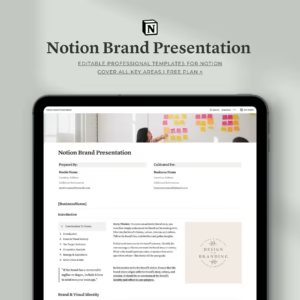
The Ultimate Notion Brand Presentation Template — Build. Present. Impress.
Original price was: $14.00.$7.00Current price is: $7.00. -
Sale!
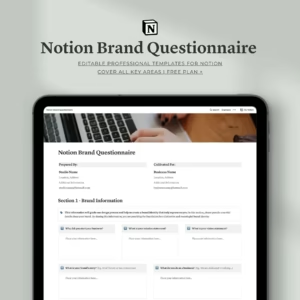
Notion Brand Questionnaire Template | Complete Brand Discovery Tools
Original price was: $10.00.$6.00Current price is: $6.00. -
Sale!
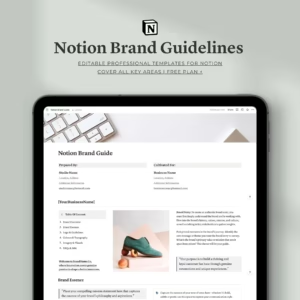
Notion Brand Guidelines Template | Complete Brand Identity Guide
Original price was: $14.00.$7.00Current price is: $7.00. -
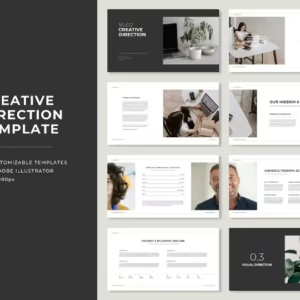
Creative Direction Template Kit | 20 Professional Presentation
$23.00 -
Sale!
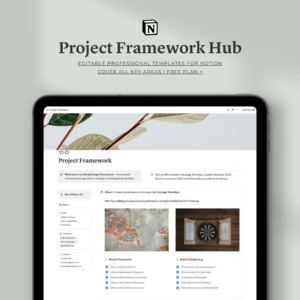
Notion Project Framework Hub | Complete Branding Workflow
Original price was: $10.00.$7.00Current price is: $7.00. -
Sale!
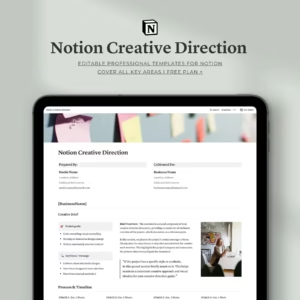
Notion Creative Direction Template | Complete Creative Project Planner
Original price was: $14.00.$7.00Current price is: $7.00. -
Sale!
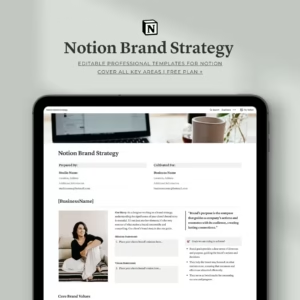
Notion Brand Strategy Template | Complete Brand Building Guide
Original price was: $14.00.$9.00Current price is: $9.00. -
Sale!
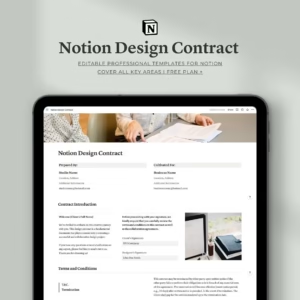
Notion Design Contract Template For Professionals
Original price was: $10.00.$5.00Current price is: $5.00. -
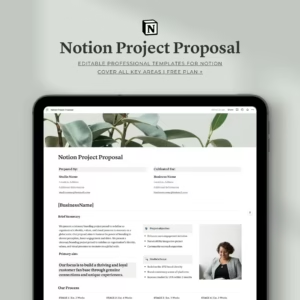
Notion Project Proposal Template For Professional
$14.00
Reviews